Get the Thunder Pigeon app
The revision app goes on your child's phone or tablet. You use the parent pages in any browser, with nothing to install.
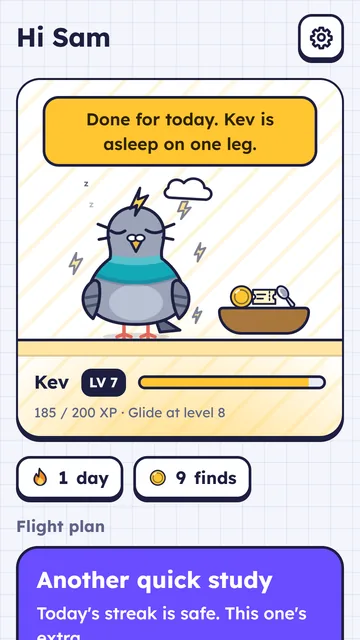
On your child's phone or tablet
iPhone
Get Thunder Pigeon from the App Store.
Android
Get Thunder Pigeon from Google Play.
A laptop, Chromebook or tablet
Open thunderpigeon.app in the browser and choose My child has a code. It works the same as on a phone.
Link it to your child
Children don't sign in. You get a code from your page, and it links the phone to your child.
- Sign in on your own phone or computer. Choose your child and press Get a code. Parents sign in, or sign up free if you haven't yet.
- Open the app on their phone. They type the six digits and press Link this phone. The code works once and lasts 15 minutes.
- They meet their pigeon. They pick its colour and give it a name.
For a second phone or a tablet, get another code. Their progress is the same on each one.
Questions about the app
Does the app cost anything to download?
No. Thunder Pigeon is free for 14 days, then you pay on the website. Nothing inside the app costs money.Prices
Does it work without a connection?
Yes. Your child can do their questions offline, and their answers are sent the next time the phone is online. Adding a test needs a connection.
Can my child use more than one phone or tablet?
Yes, as many as they use. Get a code for each one from your child's page.
Can two children share one phone?
A phone is linked to one child at a time. It works best with a phone or tablet each.
We've got a new phone. What happens to their progress?
Nothing is lost. Get a new code from your child's page and link the new phone. Their progress, level and pigeon are all there on the new phone.
How do I take a phone off?
On your child's page, each linked phone has an Unlink button. Your child can also choose Unlink this phone in the app's settings.
Not signed up yet?
You sign up first, add your child, and get the code that links their phone. It's free for 14 days, with no card.